In the vibrant world of Tyria, players dive headfirst into epic quests and fierce battles. But what if there’s a way to enhance that experience? Enter Guild Wars 2 addons—your trusty sidekicks that can turn a good adventure into a legendary saga. From nifty quality-of-life tweaks to mind-boggling UI improvements, these addons are like the secret sauce that makes your gaming experience tastier.
Overview of Guild Wars 2 Addons
Guild Wars 2 addons significantly enhance the gaming experience in the world of Tyria. Players utilize these tools to introduce quality-of-life improvements, transforming gameplay dynamics. Many addons focus on user interface modifications, enabling customization of HUD elements.
Common features include enhanced map tracking and more accessible inventory management. These improvements make it easier for players to navigate the expansive world and manage their resources. Additionally, some addons provide real-time damage metrics, allowing for better performance evaluation during intense battles.
Equipments like combat indicators help players respond efficiently when facing challenging encounters. Community-driven development accounts for a variety of addons, as players share preferences and suggestions. This collaborative effort results in a diverse selection of tools catering to different playstyles and preferences.
Notably, the integration process for these addons can vary. Some require simple installation, while others involve more complex setup procedures. It’s essential for players to follow detailed guides to ensure smooth implementation and optimal functionality.
Frequent updates and community support sustain the vitality of these addons. Developers actively maintain many popular tools, incorporating feedback to enhance usability and performance. Players benefit from this ongoing development, fostering a richer gaming environment in Guild Wars 2.
Addons play a pivotal role in enhancing the user experience. They bridge gaps in gameplay mechanics and provide valuable insights, making each adventure in Tyria feel unique and tailored to individual needs.
Types of Addons Available
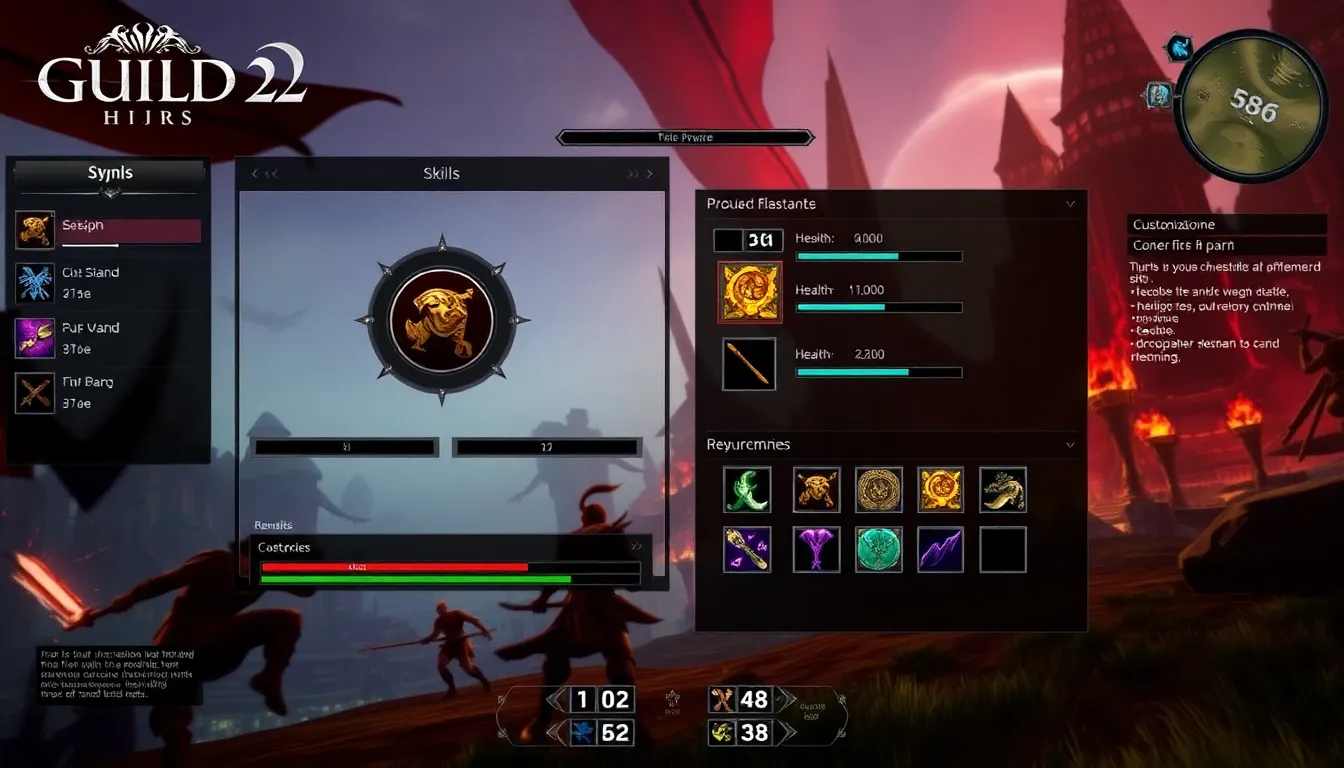
Addons in Guild Wars 2 fall into two main categories, each offering distinct enhancements to the gaming experience.
UI Enhancements
UI enhancements improve player interfaces with features like customizable HUD elements. Players can adjust the positioning of skills, health bars, and resource counts to suit their preferences. Many addons provide better visibility for important information, like map markers and event notifications. Streamlining the user interface allows for quick access to critical data during battles. Some tools even support thematic customization, enabling players to create a unique visual style that reflects their identity in Tyria. These enhancements facilitate a smoother interaction with the game world.
Gameplay Modifications
Gameplay modifications alter fundamental mechanics for improved engagement. For example, certain addons provide real-time damage output statistics, enabling players to assess their combat effectiveness. Adjusting enemy health bars and modifiers offers better insight into encounters. Some mods streamline inventory management, making it easier to track resources and gear. Automating repetitive tasks frees up valuable time for more immersive experiences. Players can also find tools that enhance event tracking, boosting awareness and participation in dynamic events. Implementing these modifications can significantly transform gameplay dynamics.
Popular Guild Wars 2 Addons
Guild Wars 2 addons significantly enhance the gameplay experience by providing a range of useful features. Players can choose from many addons that specifically cater to individual needs and preferences.
Quality of Life Improvements
Quality of life improvements streamline gameplay for users. Addons like GW2TacO offer enhanced map tracking, marking event locations and resources for efficient navigation. Inventory Management Addons allow for easy item sorting and quick access to storage. Players enjoy improved crafting interfaces through these tools, making resource gathering and item creation a breeze. Custom alerts from addons also keep players informed during important events, reducing missed opportunities.
Combat and PvE Enhancements
Combat and PvE enhancements elevate performance during fights. Addons such as DPS Meter provide real-time metrics, allowing players to assess their damage output and identify strengths or weaknesses. Combat Indicators signal when to dodge, cast skills, or use potions based on real-time data. Many players benefit from addons that track conditions and boon durations, ensuring optimal skill usage during combat encounters. Team coordination improves through these tools, as they display crucial information in a clear manner.
Crafting and Gathering Tools
Crafting and gathering tools maximize efficiency in resource management. Tools like Recipe Manager assist players in tracking crafting materials, ensuring they have everything needed for items. Gatherer’s tools also highlight resource locations, making it simpler for players to collect what they need. Customizable alerts inform when crafting materials are running low, prompting timely resource collection. Overall, these addons significantly enhance crafting productivity and encourage exploration of the world.
How to Install Guild Wars 2 Addons
Installing Guild Wars 2 addons can enhance gameplay significantly. Follow these steps for a smooth installation process.
Step-by-Step Installation Guide
- Download the desired addon from a trusted website, such as GitHub or CurseForge.
- Locate the Guild Wars 2 installation directory. Typically, it resides in the Program Files folder.
- Extract the downloaded addon files if they come in a compressed format like ZIP.
- Place the addon files into the
addonsfolder within the Guild Wars 2 directory. This folder may require creating if it doesn’t already exist. - Launch Guild Wars 2, and verify the addon is functioning. Check the settings or addon manager in-game to enable it.
Troubleshooting Common Issues
Common issues can arise during installation. Ensure the addon version aligns with your game version, as mismatches lead to problems. If an addon doesn’t appear in the game, restart both the game and client once more. Verify that all necessary files are correctly placed in the addons folder. Also, regularly check for updates, as developers release patches that enhance functionality. Disabling conflicting addons may resolve performance issues. If all else fails, consult community forums or documentation for additional guidance.
Embracing addons in Guild Wars 2 can transform the gaming experience in remarkable ways. With tools designed to enhance both user interface and gameplay mechanics players can navigate the vast world of Tyria more efficiently. The variety of available addons caters to diverse playstyles ensuring that every player finds something that resonates with their needs.
As the community continues to develop and support these tools the possibilities for customization and improvement are limitless. By integrating these addons players not only streamline their gameplay but also immerse themselves deeper into the rich narratives and dynamic battles that Guild Wars 2 offers. With the right addons in place every adventure can become a legendary journey.